
MagicAudio: AI-powered Audio Enhancer
Achieve crystal-clear audio with our AI Background Noise Remover. Eliminate distractions and elevate your content to professional quality, effortlessly.
Remove Noise For Uploaded Audio
serivce quality
What Noises Can MagicAudio Remove?
Our AI Background Noise Remover tackles the most common audio distractions, so your voice stays clear—no matter where you record.
1. Fan & AC Noise
Eliminates low-frequency indoor humming
2. Room Echo & Reverb
Reduces reverb for tighter, more focused speech
3. Mic Hiss & Static
Cleans up high-frequency artifacts from microphones
4. Mouse Clicks
Removes sharp clicks from screen recordings
5. Distant Voices
Suppresses background conversations
6. Traffic Noise
Filters out car horns and street sounds
7. Wind Noise
Tames outdoor wind rumble
8. Appliance Noise
Erases subtle mechanical sounds from devices
Features
Unlock Pristine Audio with MagicAudio AI Noise Removal
Podcast Recording
Remove unwanted noise from your podcasts for clearer, higher-quality audio
Achieve broadcast-quality sound by effectively reducing background noise in your podcast recordings. Improved clarity helps listeners stay focused and enhances the overall quality of your content.
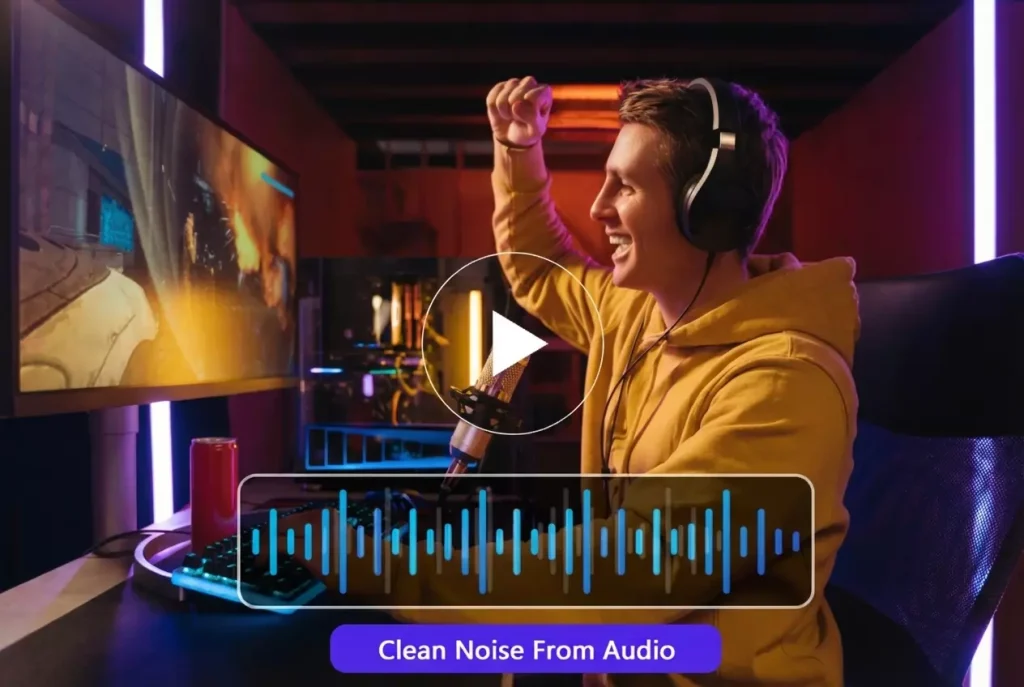
Video Production
Remove noise from video recordings for cleaner, more professional voiceovers
Improve your video audio by removing background noise and other distractions from recordings. Cleaner, high-quality sound makes your voiceovers feel more professional, polished, and ready for any platform.
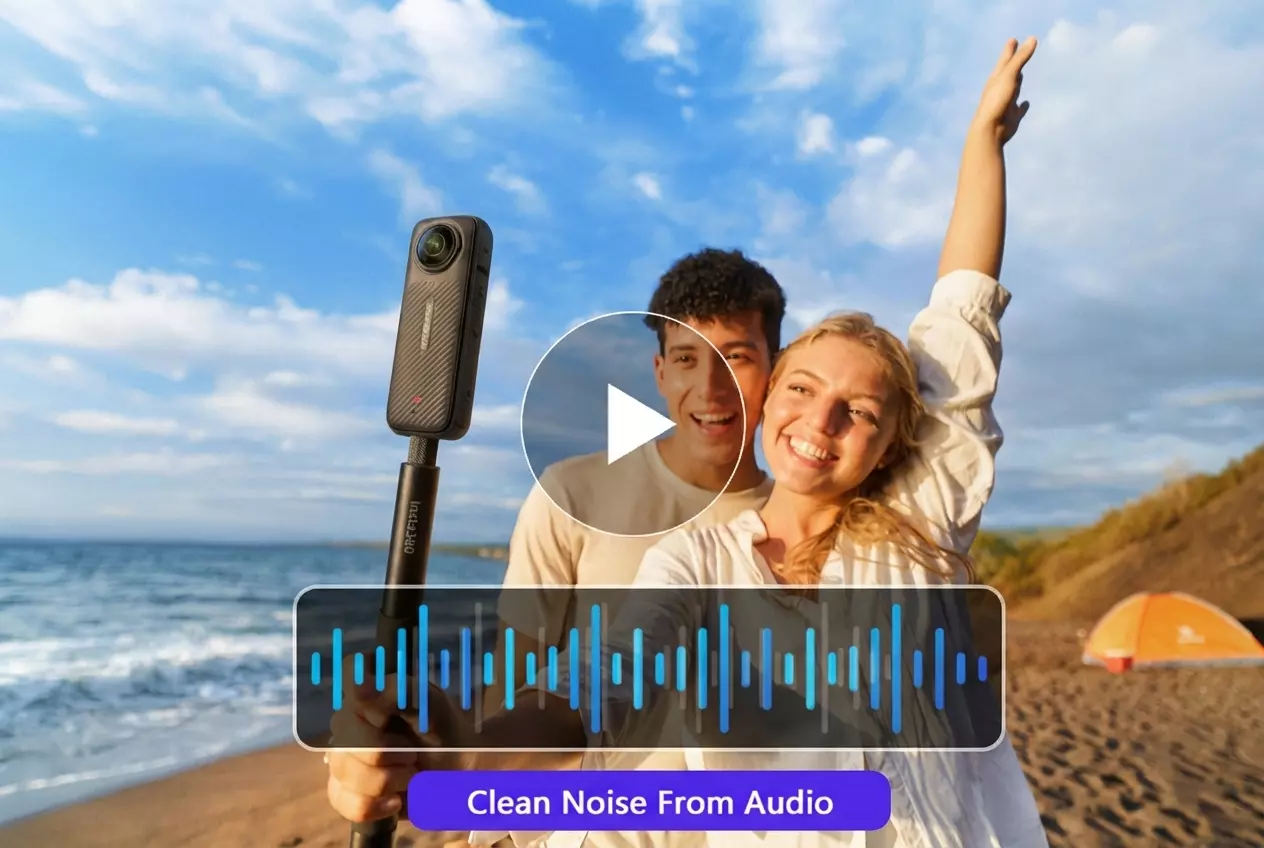
Online Teaching
Remove background noise to keep students focused on the teacher
Improve the learning experience by delivering clear audio in educational recordings. Removing background noise helps maintain student focus and ensures that every word from the teacher is heard with precision.
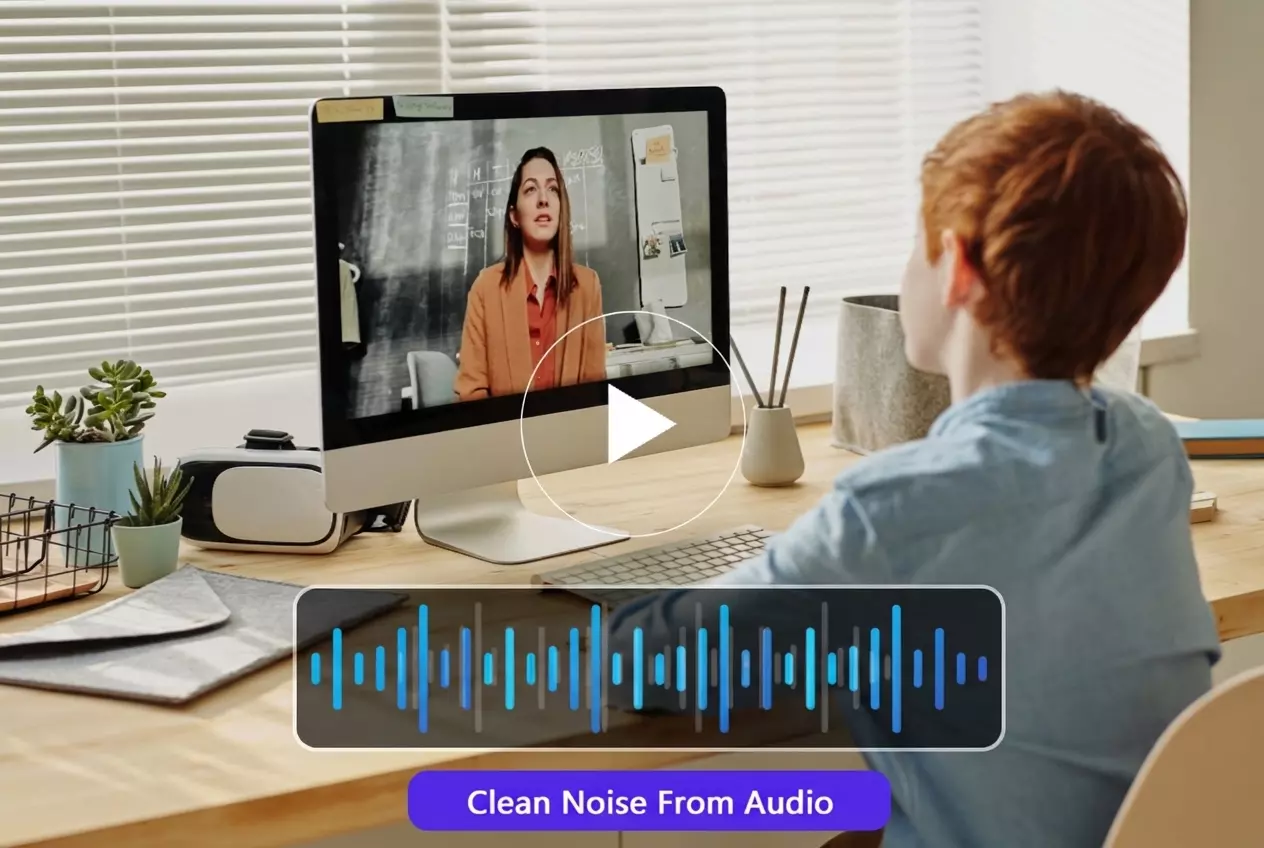
Industries
AI Background Noise Removal for Every Industry
Trusted by millions of creators to deliver cleaner, high-quality audio and video.
Tutorial
Remove Noise from Any Audio in 3 Simple Steps
Help Center
Questions? Answers.
To remove noise from audio, simply upload your file to our online playground. Our AI will automatically analyze the audio, detect unwanted background noise like hums, static, or crowd sounds, and remove them—leaving you with a cleaner, clearer recording.
Yes, our AI is specially trained to isolate and preserve the original voice. It removes background noise without affecting the clarity, tone, or quality of the speech, so your voice stays natural and sharp.
Absolutely. Our AI noise remover works with both audio and video files. You can upload a video, and we’ll extract and clean the audio to remove background noise, then give you the cleaned video back with clearer sound.
Yes, our tool is completely free to use. There are no hidden charges or usage limits—you can remove background noise from as many files as you need, anytime.
No sign-up is required. Our tool works instantly—just upload your file and let the AI handle the noise removal. It's fast, simple, and hassle-free.
Yes, you can use our noise reduction tool for free without creating an account. It's fully accessible for everyone who wants to improve their audio or video sound quality.